What happens if I forget my master password?
Unfortunately, there is no recovery mechanism — and that's intentional. Your master password is never stored anywhere; it's used only to derive the vault encryption key via PBKDF2. If lost, the vault data is mathematically inaccessible to anyone, including us. This is the cost of true zero-knowledge security. We strongly recommend maintaining an up-to-date Drive backup and storing your master password somewhere safe.
Is my data safe if my phone is lost or stolen?
Yes. All vault data is encrypted with AES-256-GCM using keys stored in your device's hardware-backed Android Keystore. Without your master password (or your biometric), nobody can access the vault — not the thief, not law enforcement, not us. For additional safety, enable your device's screen lock and consider enabling Drive backup so your data isn't lost with the phone.
How does Google Drive backup work?
When you enable Drive sync, KeyArmor encrypts your vault with an additional backup password you choose (separate from your master password) before uploading it to your Google Drive. Google only receives an encrypted blob — they cannot read its contents. The developer also has zero access. Premium and Lifetime users can trigger a backup manually at any time, and a backup also runs automatically whenever you close the app — so the last thing you did is always captured.
How does breach monitoring work? Is it safe?
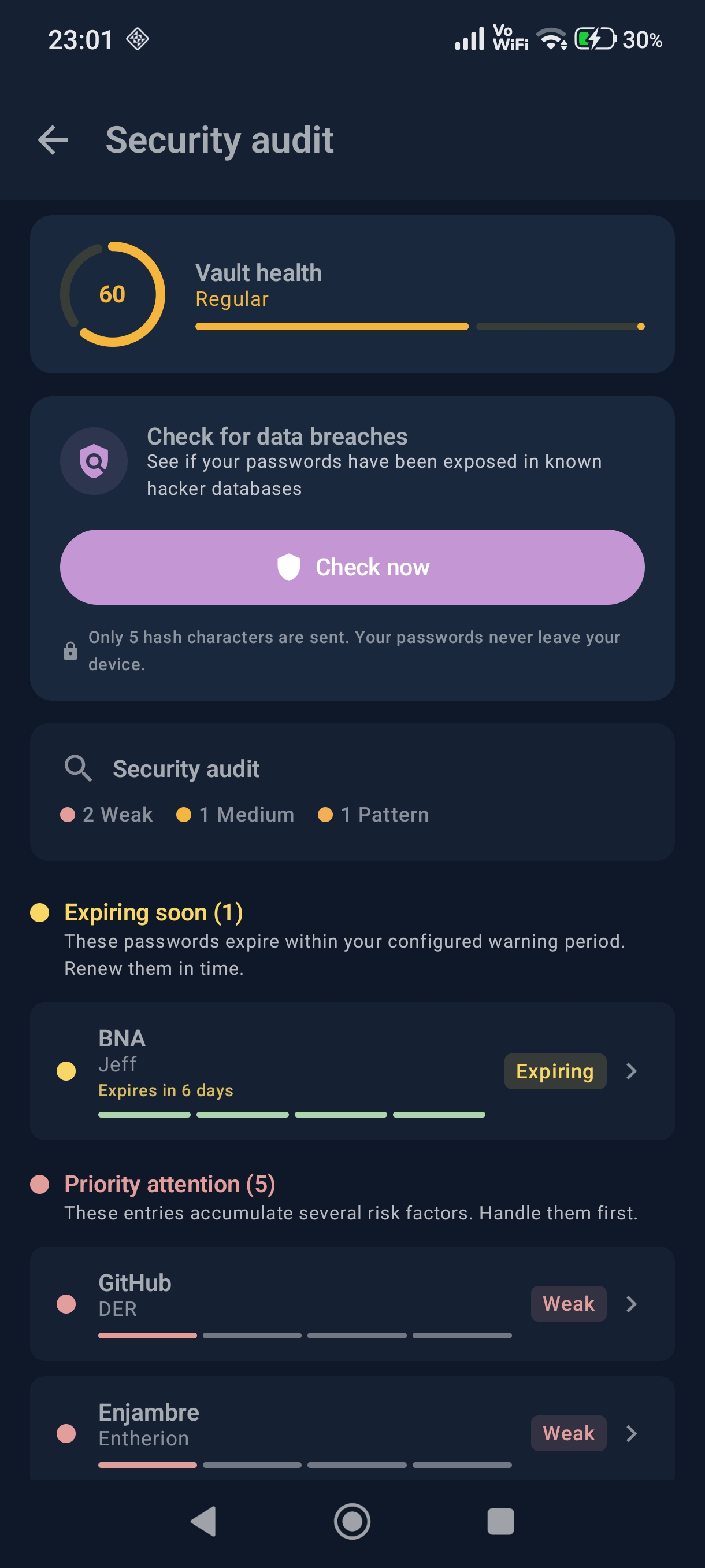
KeyArmor checks only your
passwords — no usernames, no email addresses, no account associations. Each password is checked independently and anonymously against
haveibeenpwned.com. KeyArmor computes a SHA-1 hash locally, sends only the first 5 characters to the API, and the server returns hundreds of matching prefixes. KeyArmor then checks locally whether your full hash is among them — your password never leaves your device. KeyArmor also sends the
Add-Padding header, which instructs HIBP to pad every response with random fake hashes, making all responses look identical in size so even traffic analysis reveals nothing.
Does KeyArmor have autofill?
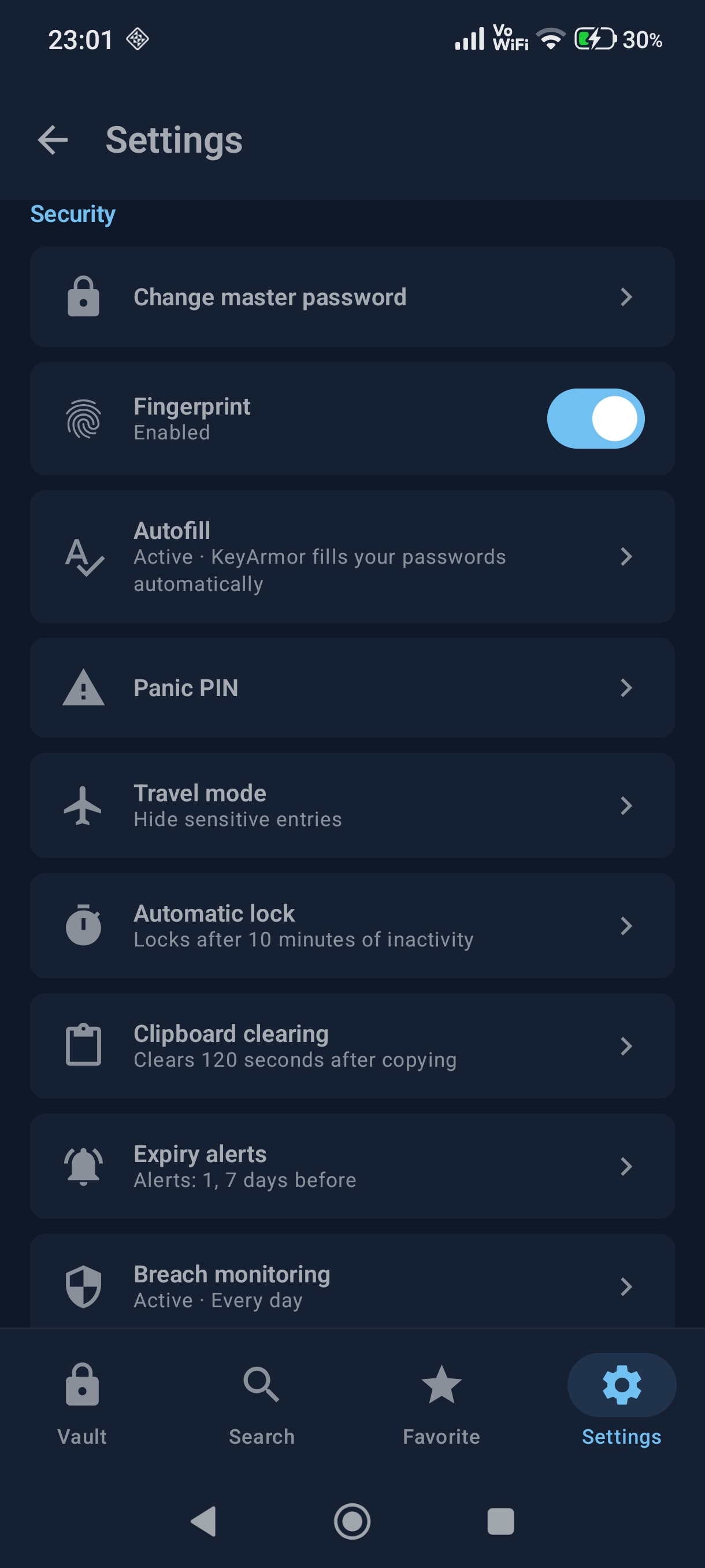
Yes. KeyArmor includes a native Android Autofill Service — enable it once in Settings → Autofill, and KeyArmor will automatically detect login fields in any app or browser and suggest the right credentials. You can also copy any field with a single tap; the clipboard is automatically cleared after a configurable timeout for security.
Can I use KeyArmor on multiple devices?
Yes, via Google Drive backup. Export your vault from one device (or let Drive sync do it automatically), then restore on another device using the same backup password. Full cross-device real-time sync is not currently supported, as it would require our own servers — which goes against KeyArmor's core privacy philosophy.
What does the 14-day trial include?
The free trial gives you full access to all Lifetime features for 14 days — breach monitoring, expiry alerts, Drive backup, security audit, attachments, password history, P2P sharing, all themes and accent colors. Entries are unlimited on all plans, so there are no artificial restrictions during the trial. No credit card required to activate the trial.
Why is the source code public if it's not open source?
Transparency and open source are not the same thing. KeyArmor publishes its source code so that security researchers and users can independently verify that the app does exactly what it claims — no hidden telemetry, no backdoors, no surprises. Publishing the code for audit purposes is a trust measure. It does not grant anyone the right to copy, modify, or redistribute it. All rights are reserved by the copyright holder.
Why doesn't KeyArmor have folders?
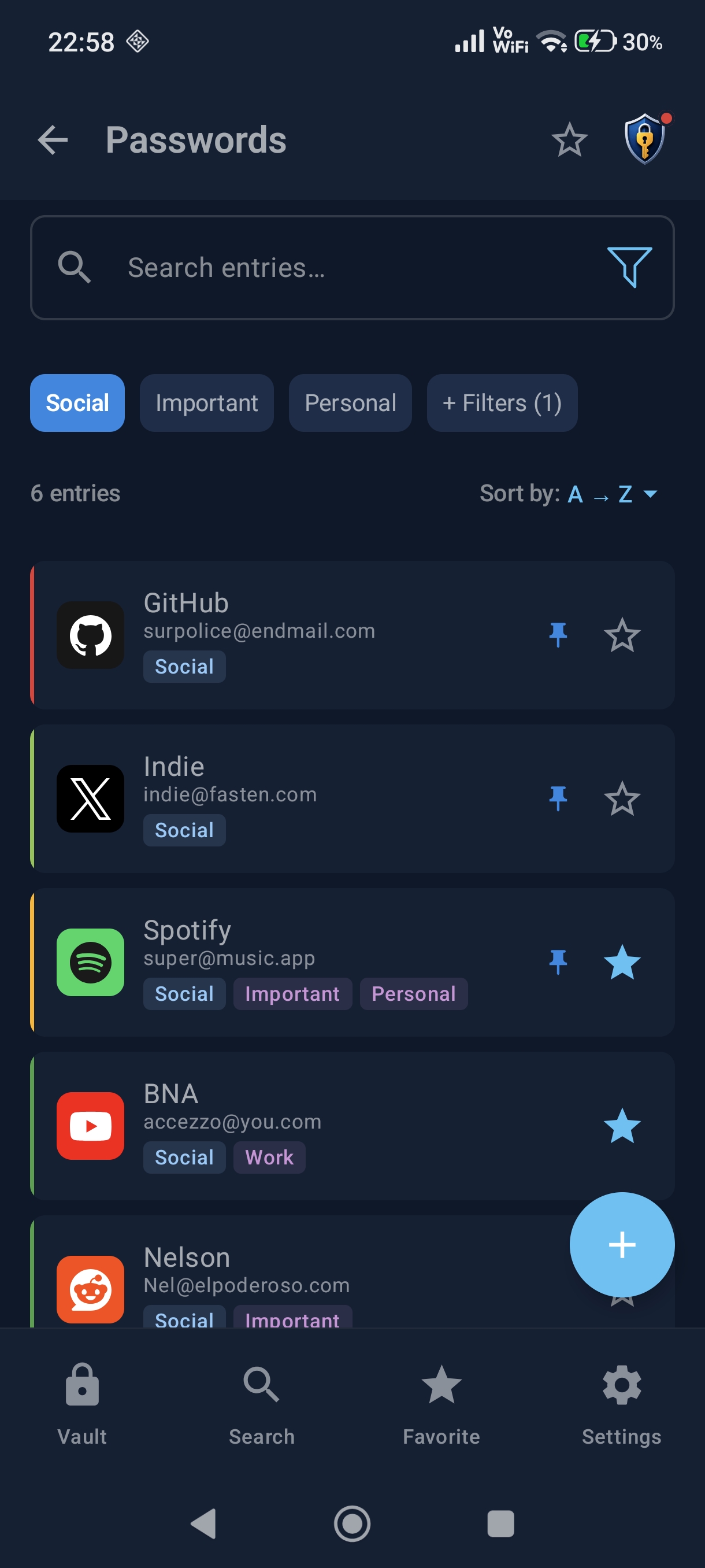
Because tags are strictly more powerful. With a folder system, each entry lives in exactly one place — if a credential belongs to "Work" and "Client X" and "Critical", you have to pick one folder and lose the others. KeyArmor's multi-tag system lets you assign any number of tags to any entry and find it by every one of those criteria simultaneously. You get all the organizational power of folders with none of the rigidity. The password managers that use folders and no tags are the ones at a disadvantage, not the other way around.
What is Time Machine and how does it work?
Time Machine is a vault restore point system. Every time you trigger a Drive backup — manually or automatically when closing the app — KeyArmor saves a timestamped restore point. Premium users can open Time Machine from Settings → Drive Sync, browse the full timeline of local and Drive-hosted restore points, preview the contents of any restore point, and go back to that exact state. It's a safety net for accidental deletions or unwanted changes — your vault history is always there.
How does Digital Inheritance work?
Digital Inheritance lets you designate up to 3 trusted heirs who will receive access to your vault only if you stop opening KeyArmor for a period you configure (6, 9 or 12 months). The system works entirely in the background: the app sends a periodic heartbeat to verify you're still active. If the inactivity threshold is reached, your heirs receive an email alert — but there's a 7-day grace window during which you can cancel everything simply by opening the app. If you don't cancel within those 7 days, heirs receive the access notification. Disabling the feature at any time immediately stops the process. No KeyArmor servers store your vault data; only an anonymized activity timestamp is involved.